← DieOuweUI

Gallery: layouts and looks

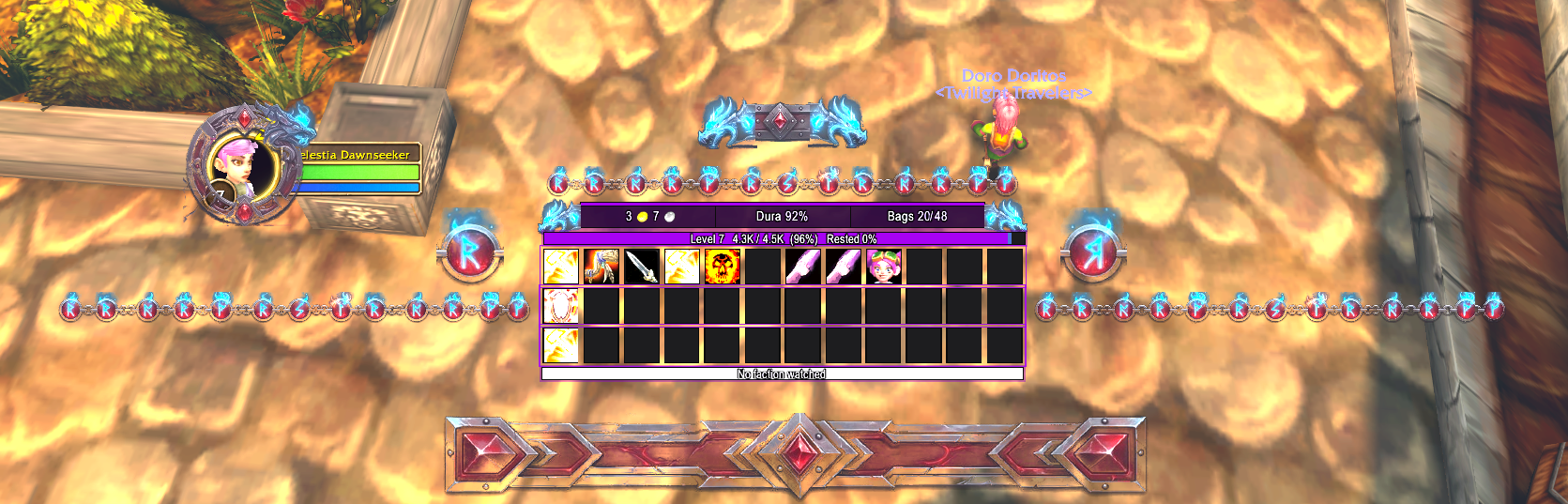
From players. A layout is the position of all bars, boxes and ornaments, without colours: everything takes the colour of your own theme. A complete look also brings its theme (colours, ornament tint, font).

How it works

  1. Click Copy (or download the .txt).
  2. In the game: F6 β€Ί Profile β€Ί Layouts β€Ί Import a layout, paste with Ctrl+V.
  3. Layout: choose it in the list and click Load selected layout. Your own colours stay. Complete look: choose it in the list and click Load with its theme (complete look). Your own layout is saved first.
Wlocky

Complete look (theme + layout)

Wlocky

by Dieouwe Β· 09-11-2026 Β· made in Class color

9 ornaments Β· DieOuweUI 2.13.3

In the game: Load with its theme (complete look)

wlocky

0 times copied

Show text
Wlocky

Complete look (theme + layout)

Wlocky

by Dieouwe Β· 09-11-2026 Β· made in Class color

9 ornaments Β· DieOuweUI 2.13.3

In the game: Load with its theme (complete look)

wlocky

0 times copied
Show text
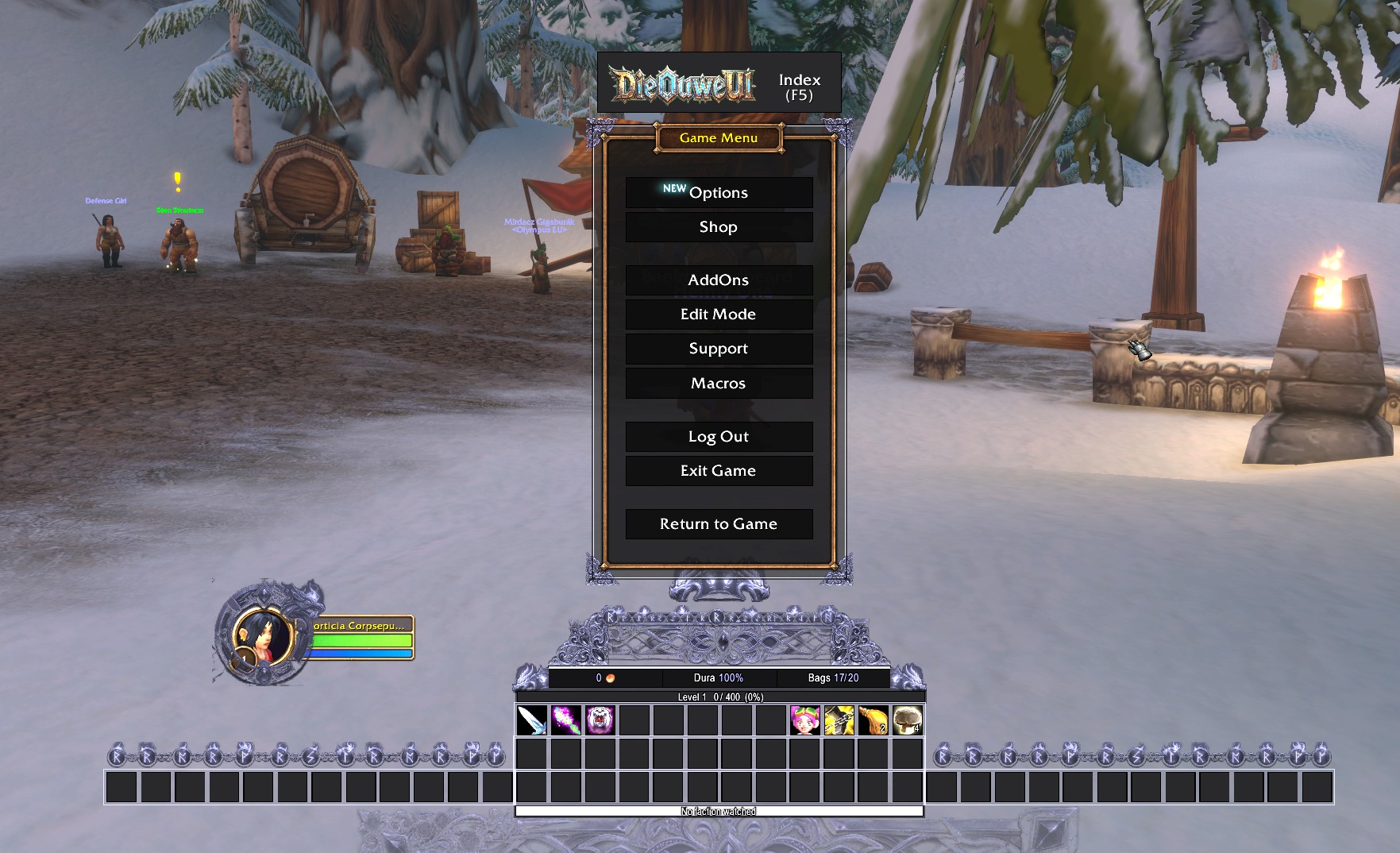
Wlocky

Complete look (theme + layout)

Wlocky

by Dieouwe Β· 09-11-2026 Β· made in Class color

9 ornaments Β· DieOuweUI 2.13.3

In the game: Load with its theme (complete look)

wlocky

0 times copied
Show text
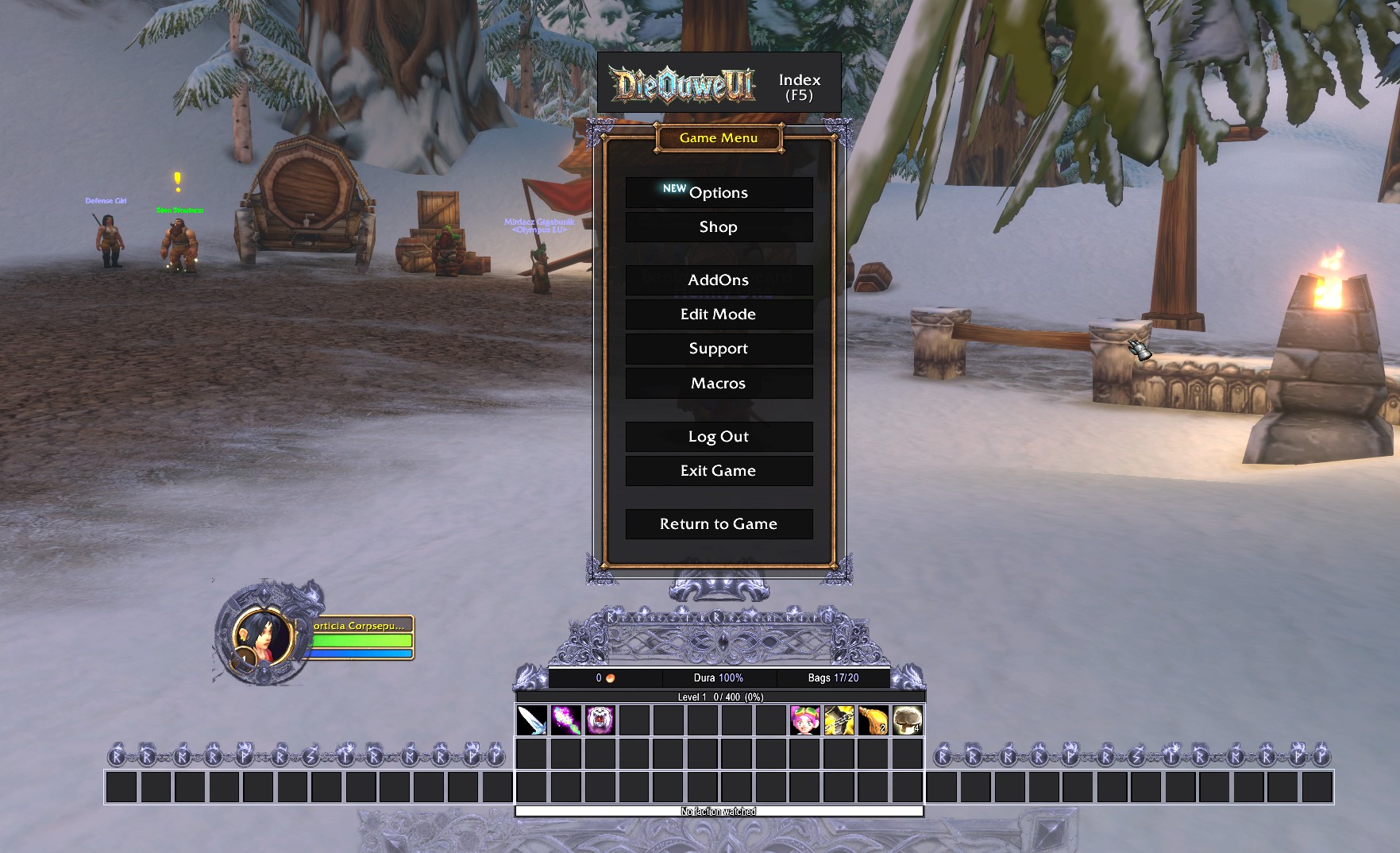
Origin   testing

Complete look (theme + layout)

Origin testing

by Dieouwe Β· 09-11-2026 Β· made in Forged Iron

9 ornaments Β· DieOuweUI 2.11.1

In the game: Load with its theme (complete look)

original theme

0 times copied
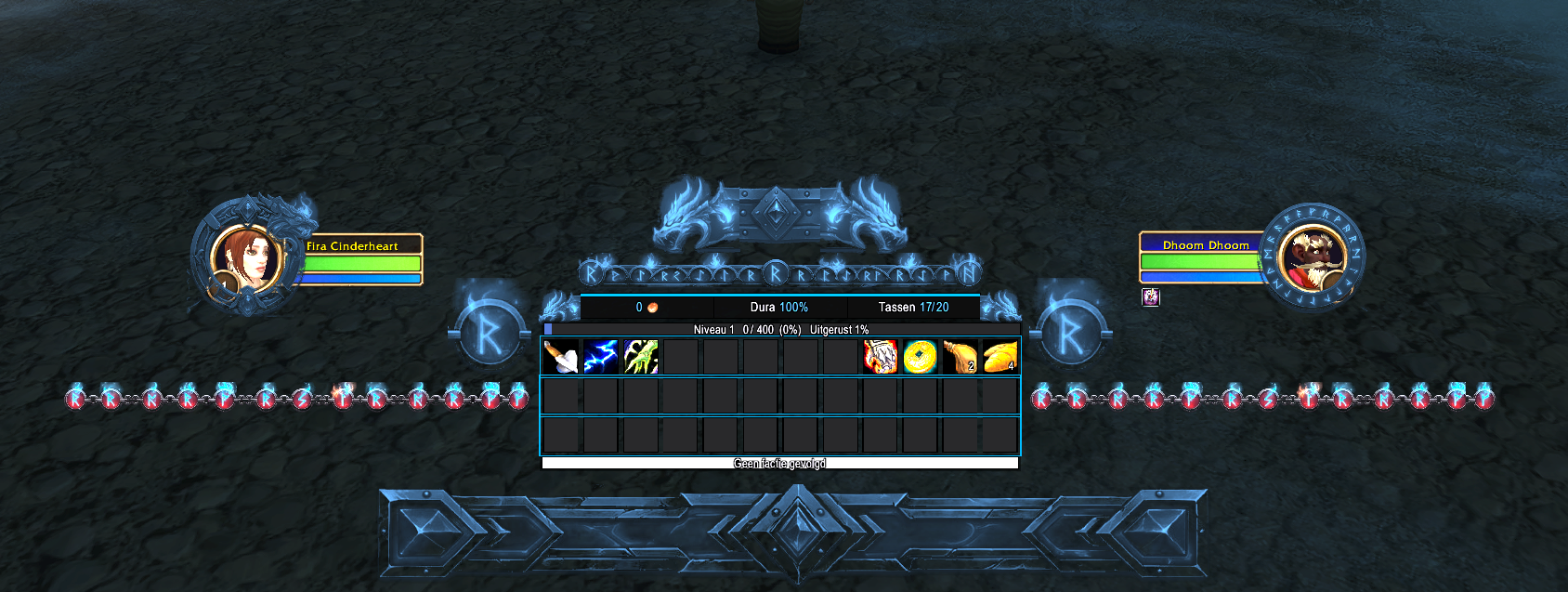
Show text
Disc priest

Complete look (theme + layout)

Disc priest

by DieOuwe Β· 09-11-2026 Β· made in Class color

9 ornaments Β· DieOuweUI 2.11.1

In the game: Load with its theme (complete look)

playing a bit :)

0 times copied

Show text

Share your own layout or look

In the game: F6 β€Ί Profile β€Ί Layouts β€Ί Share complete look (theme + layout) (or Share current layout (export) for the layout only), copy the text (Ctrl+A, Ctrl+C) and paste it below.

You may leave these empty: then we take the name and maker from the text.

Making a screenshot: DieOuweUI has a button Screenshot for the gallery on the Profile and Decor pages. The picture is saved in the folder World of Warcraft\_forever_\Screenshots.

New submissions are visible once DieOuwe has approved them.